

Architectural success typically relies on accuracy, strategies, and efficient collaboration between construction teams. The way buildings are strategized, designed, and executed is transformed by digital tools. These tools turn workflow optimization into a critical aspect for architects today.
Professionals with knowledge of the features of different platforms can make better decisions regarding architectural designs. In our guide today, we are going to explore two major platforms, BIM and CAD. Each difference and the manner in which it works can help shape the entire design space for architects.
CAD or Computer-Aided Design helps architects in creating extensive 2D drawings and accurate 3D models. It aims towards measurements, geometry, and technical documentation that help teams communicate clearly on design intent.
Although CAD is important for generating technical drawings, it comes with minor limitations in terms of data integration and collaboration. Updates are manually applied, which makes team coordination a tough job. Irrespective of this, CAD forms the foundational tool for architects globally.
BIM, or Building Information Modeling, is a data-driven design approach. It integrates the physical and functional building aspects. Models consist of data regarding systems, materials, and components that make decisions wiser throughout the construction lifecycle.
However, unlike CAD, BIM stresses collaboration. AEC teams, or architects, engineers, and contractors, operate on a centralized model that automatically updates. It helps to reduce design conflicts and scope for any errors. Architects and BIM experts rely on this integrated approach to improve accuracy and collaboration.


Here are a few key attributes that help explore the differences between BIM and CAD.
CAD emphasizes shapes, lines, and geometric precision. It generates static drawings that showcase a building. BIM, on the other hand, uses intelligent 3D models that are data-rich, helping architects to visualize systems, materials, and spatial connections dynamically.
Understanding the challenges of BIM documentation helps teams anticipate complexities, reduce flaws, and streamline updates.
Typically, CAD depends on individual work across limited team interactions. It needs manual updates across multiple drawings. Using BIM documentation can streamline construction and reduce costs, enabling architects and engineers to coordinate more efficiently, avoid design conflicts, and make more accurate decisions.
This shared, updated documentation ensures that every construction team member is accessing the most recent data, improving overall project outcomes. It helps turn construction processes highly reliable, flawless, and effective compared to traditional CAD workflows.
CAD does not incorporate additional building information into geometric information. The materials, costs, energy performance, and scheduling information are directly incorporated into the model through BIM. With effective BIM Coordination, architects can manage all project data, as updates are automatically propagated throughout the model.
Teams will be able to monitor changes, conduct analyses, and work efficiently, which will help them save time and improve the quality of project deliverables.
CAD only produces 2D plans and simple 3D views, but is not able to simulate detailed interactions between the environment and materials. Architects can use BIM to simulate lighting, airflow, structural behavior, and any other realistic situation.
Such finer visualizations are better for presenting clients, understanding spatial relationships, and early detection of potential problems during design.
The design phase is mostly isolated, with construction and facility management processes being separate, mainly because of CAD. BIM is a system that assists in the lifecycle of the building, and it incorporates planning, design, construction, and maintenance.
This lifecycle approach will keep projects efficient, coordinated, and well-documented, and minimize risks and maximize long-term value to clients and operators.
Initially, CAD might appear cost-effective; however, its reliance on manual drafting causes errors, inefficiencies, and endless revisions. BIM, although costly to implement initially, offers long-term value by improving accuracy and reducing unwanted project costs.
To streamline construction projects and reduce costs, BIM Coordination is used as an effective solution. It allows teams to plan materials accurately, improve sequencing, and reduce the need for revisions. In the long run, BIM minimizes project risks and enhances overall cost-effectiveness compared to conventional drafting tools.
CAD is common, well-known, and not very difficult to master, which enables architects to create technical drawings with high precision and within a short duration. However, BIM is more difficult to learn because it is integrated, data and collaborative.
BIM requires teams to know advanced modeling, scheduling, and data management techniques to make full use of it.
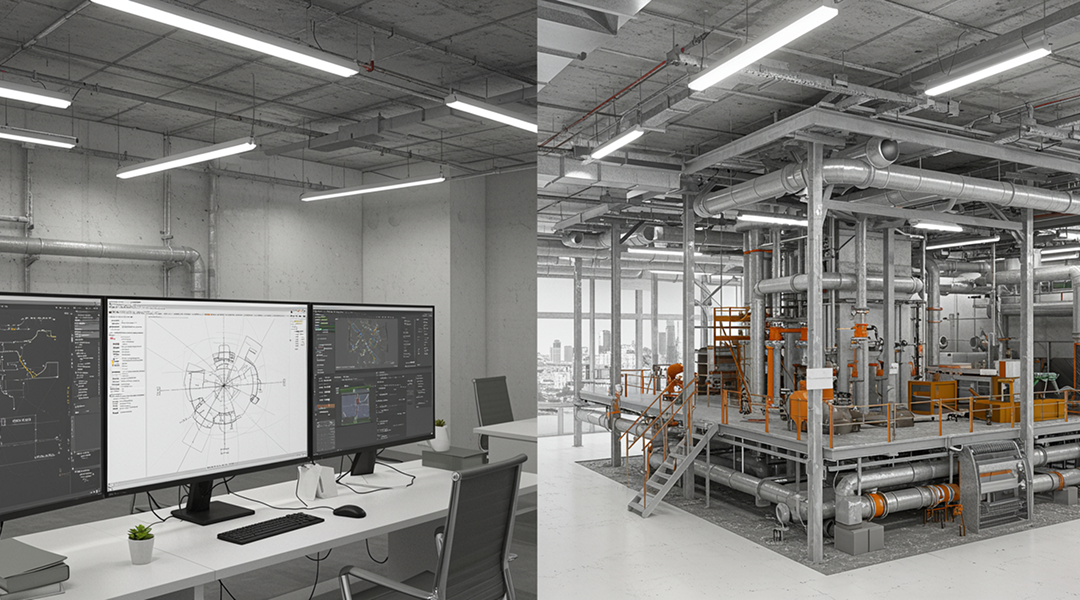
CAD allows correct technical drawings of floors, elevation, and sections. The drawings form the basis of construction documentation, which makes measurements and specifications correct.
CAD enables architects to draw up 3D images of buildings, which aid in the visualization of spatial relationships. It helps in the conveyance of designs to clients and contractors.
CAD aids in retrofitting and modification by giving the correct existing building plans. Planners are able to plan change efficiently and still preserve design integrity.
BIM determines conflicts between systems, including plumbing, electrical, and HVAC, prior to the construction start, avoiding expensive mistakes and delays.
BIM also incorporates data on materials and labor, helping architects make accurate cost estimates and manage project budgets efficiently.
BIM models archive information about buildings, enabling long-term maintenance and facilitating asset management and renovation throughout the building's lifecycle.
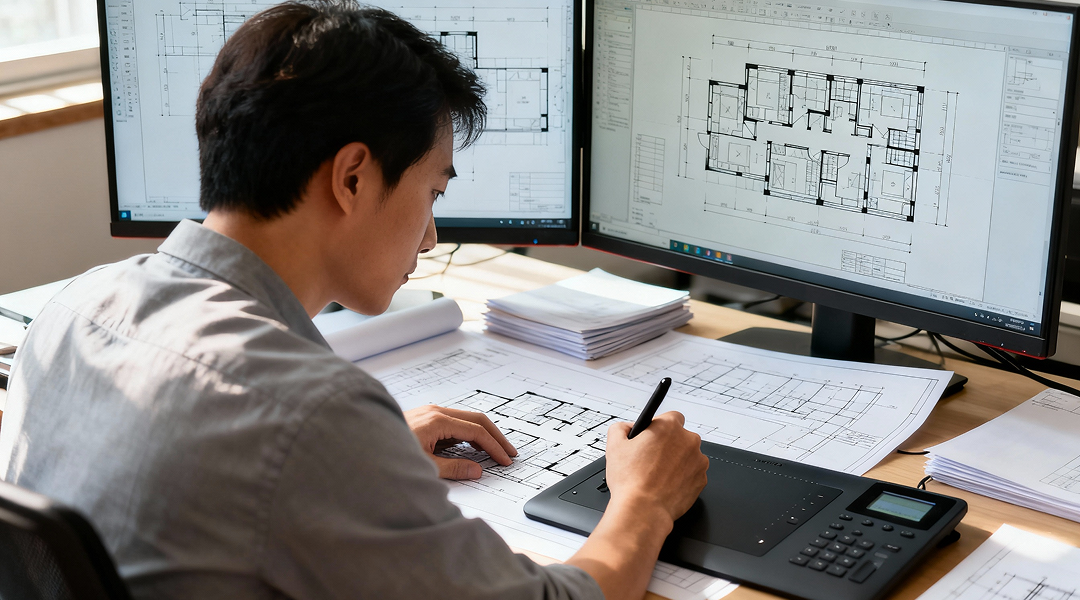
The architects can utilize CAD to make technical drawings in detail and use BIM to make collaborative modeling and integration of the data.
The integration of CAD and BIM can provide teams with the advantages of CAD accuracy and BIM lifecycle, and allow the flexibility and effectiveness of project workflows.
BIM can also be used to make transitions between project phases by importing CAD-based designs into BIM to model, simulate, and collaboratively update.
The decision between CAD and BIM hinges on the scale and complexity of the project, and on the need to collaborate. CAD is still effective in small-scale or simple drafting, with accurate precision and user-friendliness.
BIM is critical for large, complex, or interdisciplinary projects, ensuring real-time collaboration, accurate cost estimation, and lifecycle performance.
Use of appropriate design technology will enable architects to produce more innovative, quicker, and more efficient projects. At Modelo Tech Studio, we help companies choose the right tool to improve project coordination, reduce errors, and expand design reach. Contact us today to transform your design process!
Curious to dive deeper into BIM practices? Check out our related blog posts for more insights and strategies to elevate your projects!


.png)
We appreciate your interest in our services. To provide you with an accurate and comprehensive quote, we will need some general information about your project. This will help us understand your specific needs and tailor our proposal to meet your requirements effectively.
.png)

